This section describes how administrators could manage their applications registered in Keyrock to create data usage control policies.
Go to "access & usage" in the application view to manage the usage control policies:
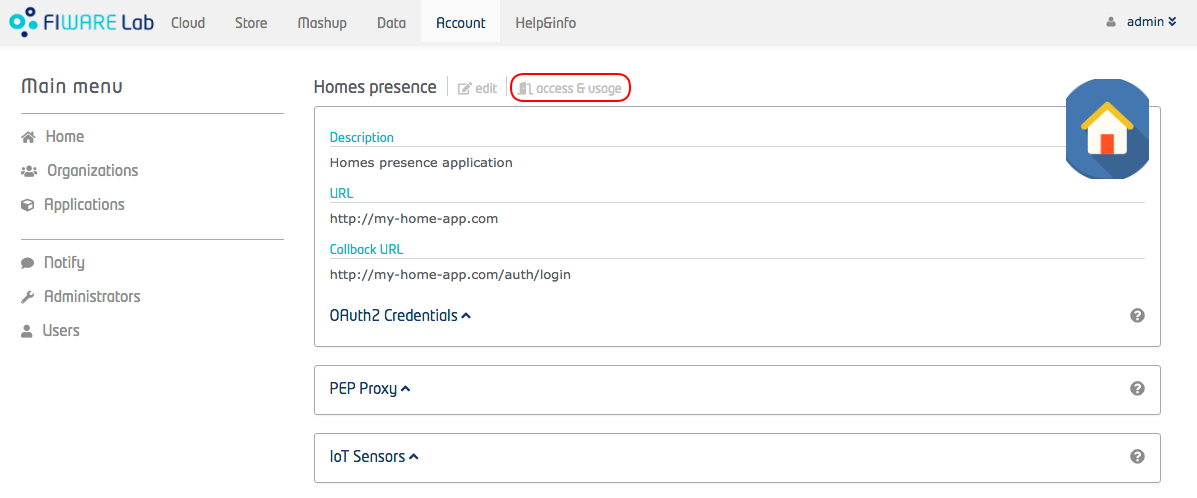
Figure 1: Application data usage policies
You can create a usage control policies by clicking on plus button on the right panel as shown in:
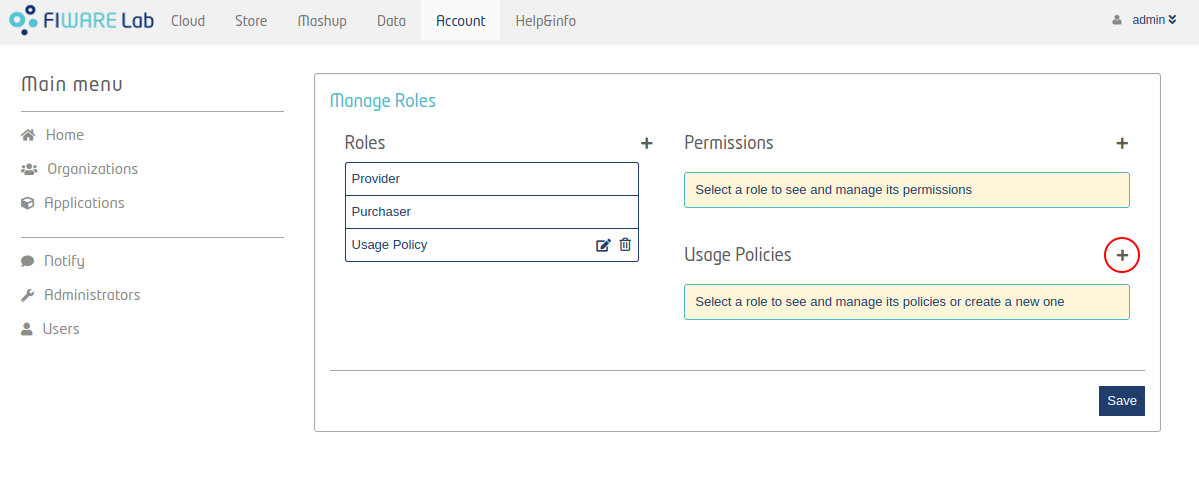
Figure 2: List policies
In order to create an usage control policy you need to insert:
-
Name
-
Description
-
Type. Keyrock define the following usage control policy types:
-
Aggregation
-
Count
-
Custom. This allows you to insert your own ODRL policy rule.
-
-
Punishment (Kill job, Unsubscribe or Monetize).
-
Time Lapse in which the usage control policy rule applies.
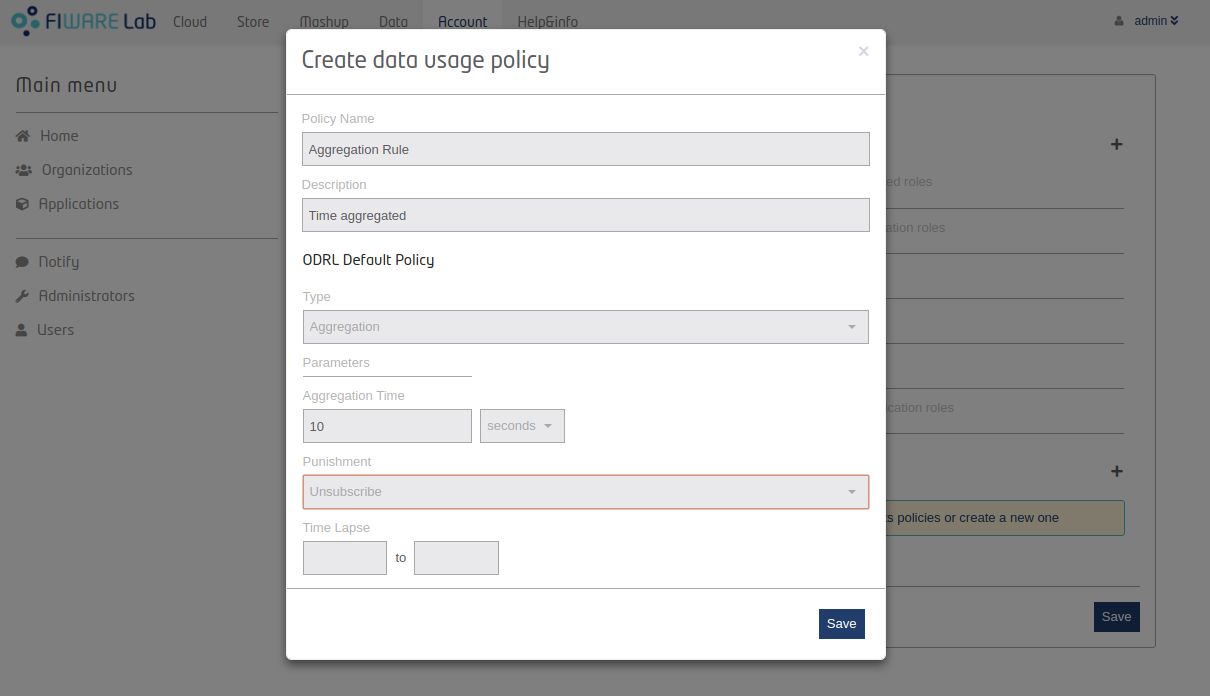
Figure 3: Create policy
Finally, you can assign several usage control policies to a role:
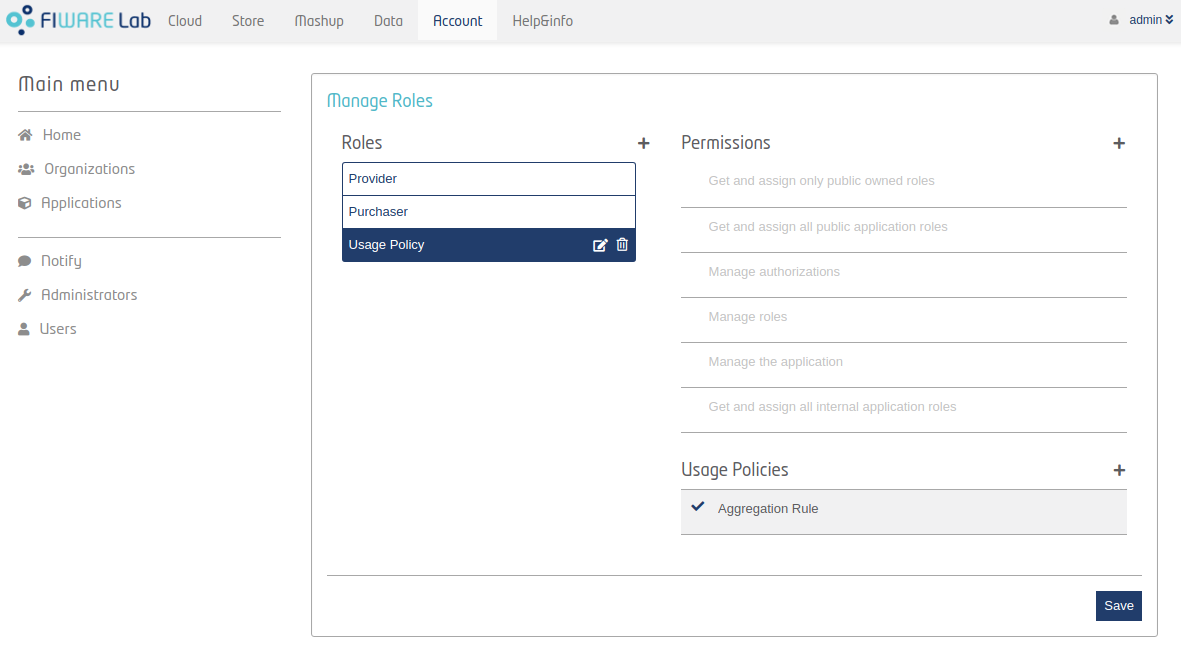
Figure 4: Assign policies